General Document Routing
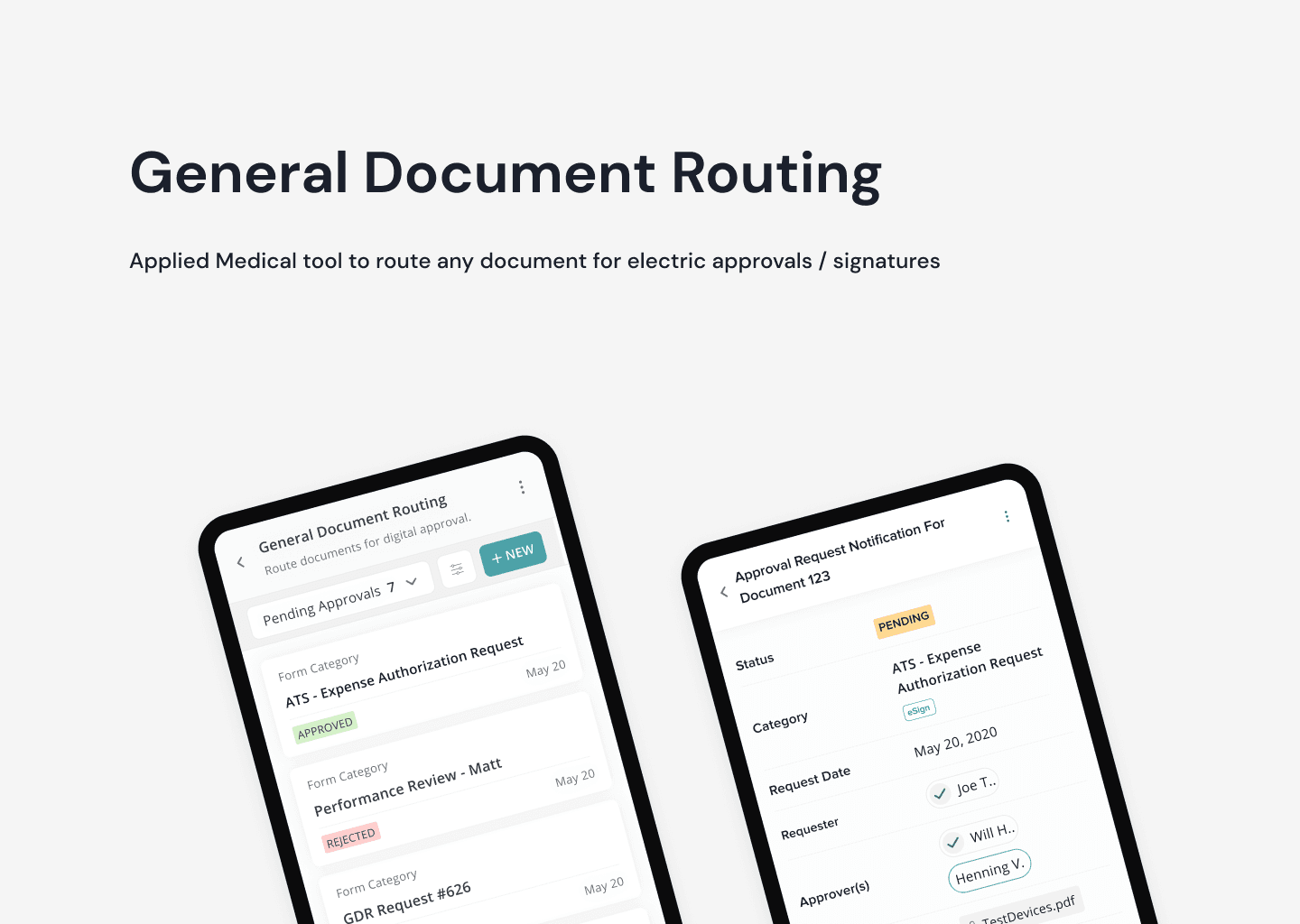
A tool to route any document for electronic approvals and signatures — eliminating paper trails and enabling remote workflows.
The Problem
what's the problem?
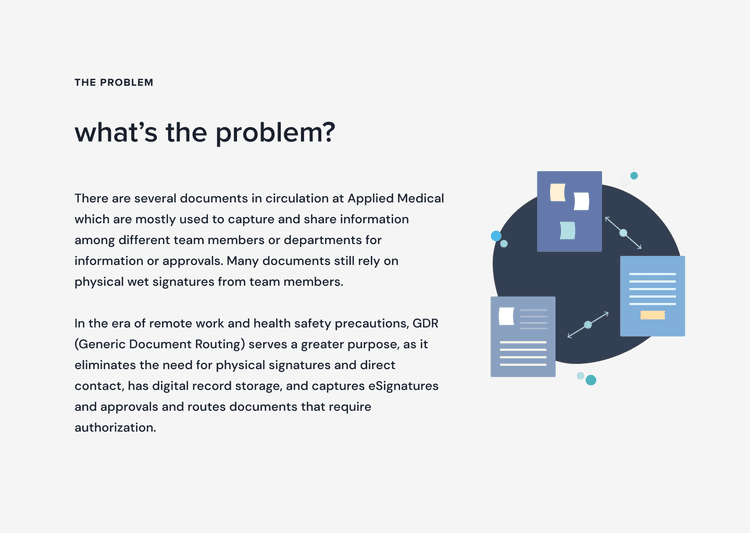
There are several documents in circulation at Applied Medical which are mostly used to capture and share information among different team members or departments for information or approvals. Many documents still rely on physical wet signatures from team members.
In the era of remote work and health safety precautions, GDR (Generic Document Routing) serves a greater purpose, as it eliminates the need for physical signatures and direct contact, has digital record storage, and captures eSignatures and approvals and routes documents that require authorization.
What does success look like?
our definition of success
vertical integration + in-house development saves money
pro-terra = less paper trail
productivity levels up
promoting mobile access and approvals
standardization of the digital approval process and tracking
Process
design process
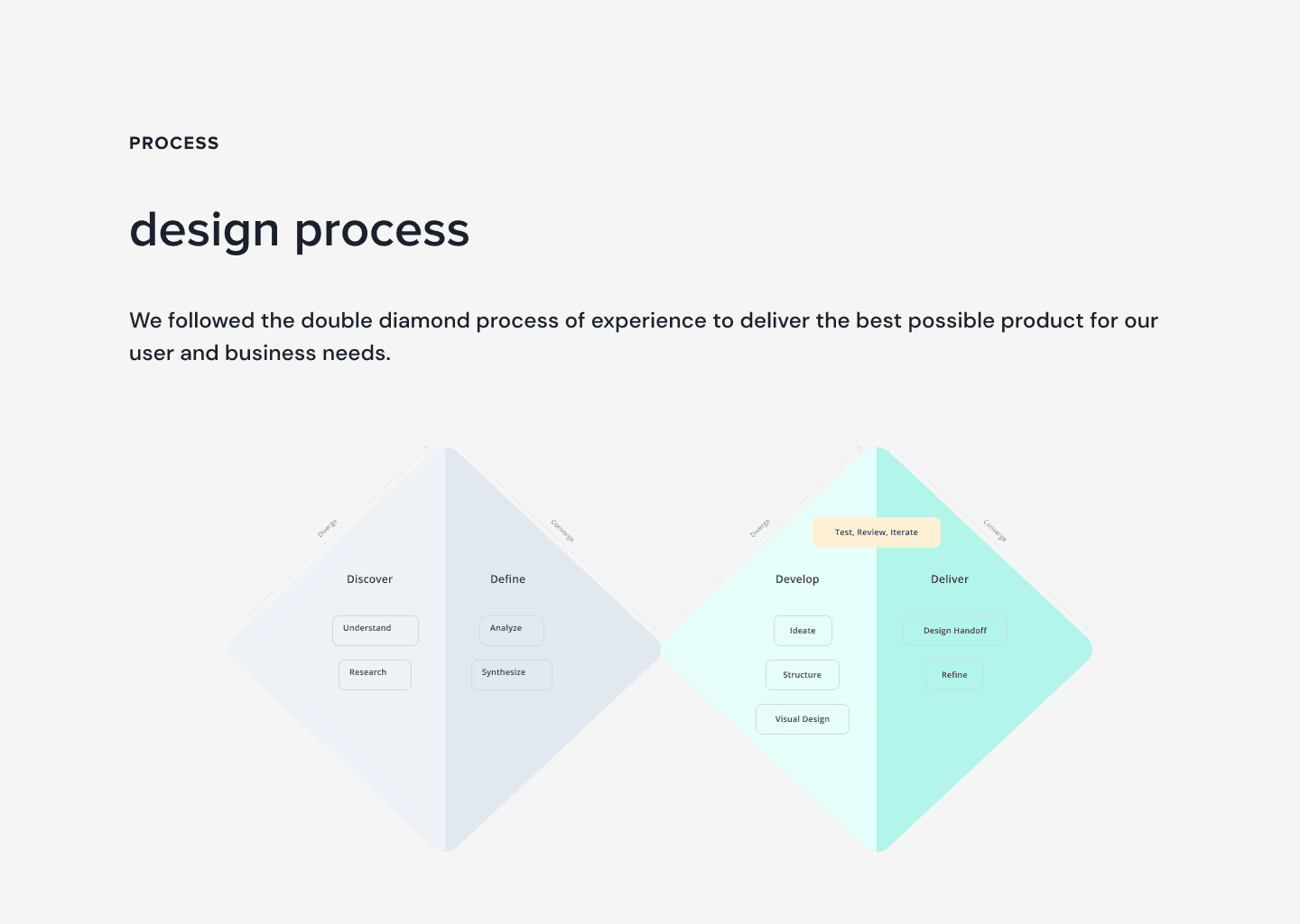
We followed the double diamond process of experience to deliver the best possible product for our user and business needs.
brainstorm
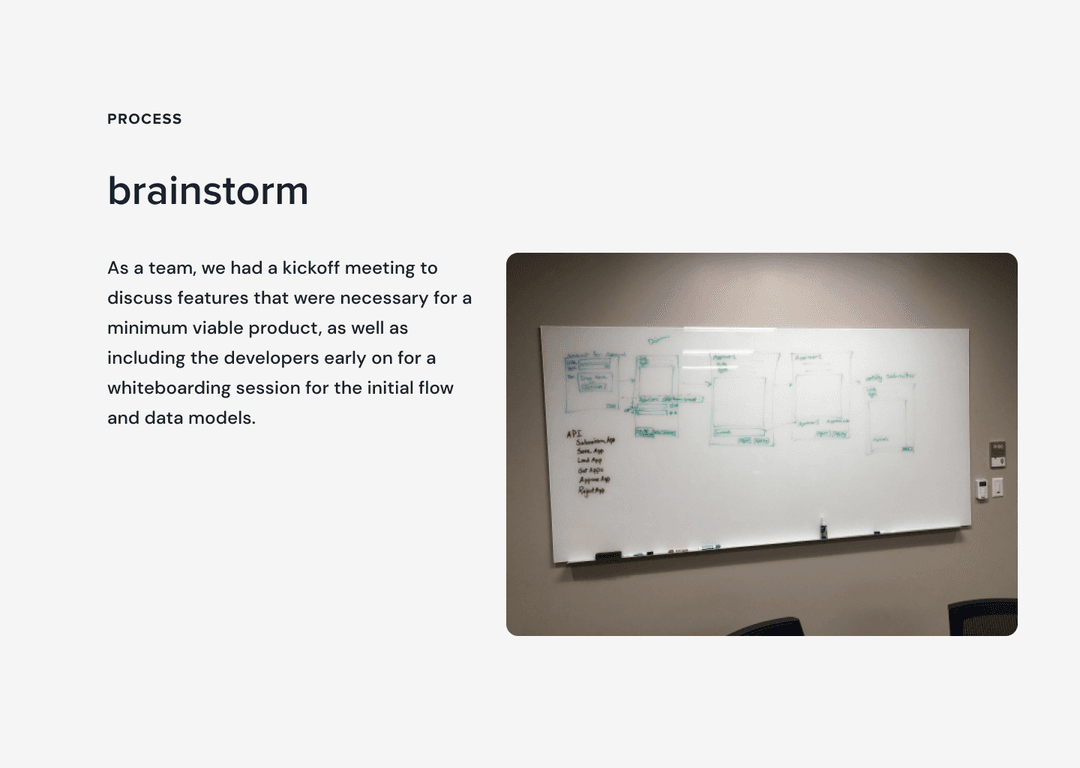
As a team, we had a kickoff meeting to discuss features that were necessary for a minimum viable product, as well as including the developers early on for a whiteboarding session for the initial flow and data models.
persona
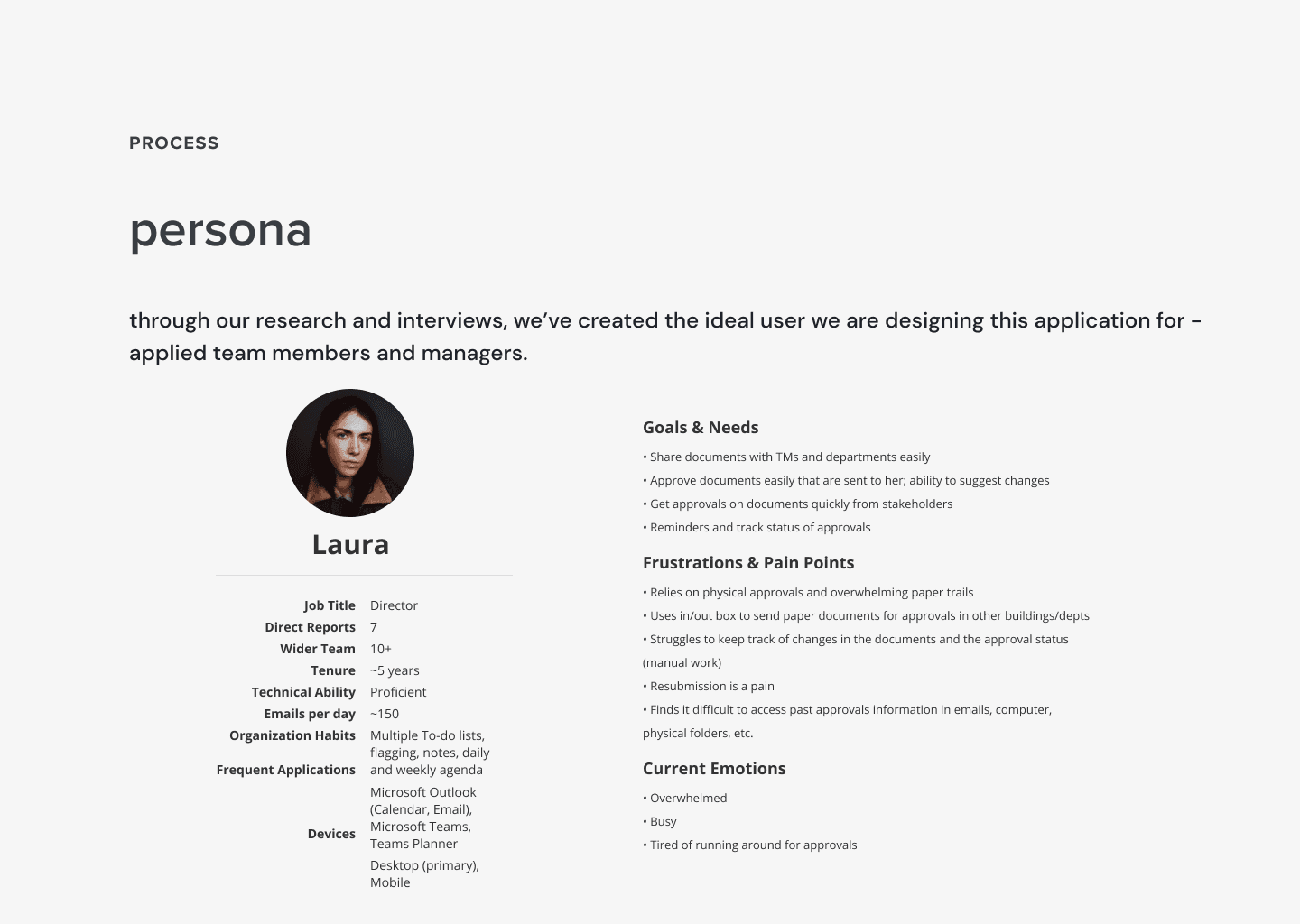
Through our research and interviews, we've created the ideal user we are designing this application for — applied team members and managers.
wireframing
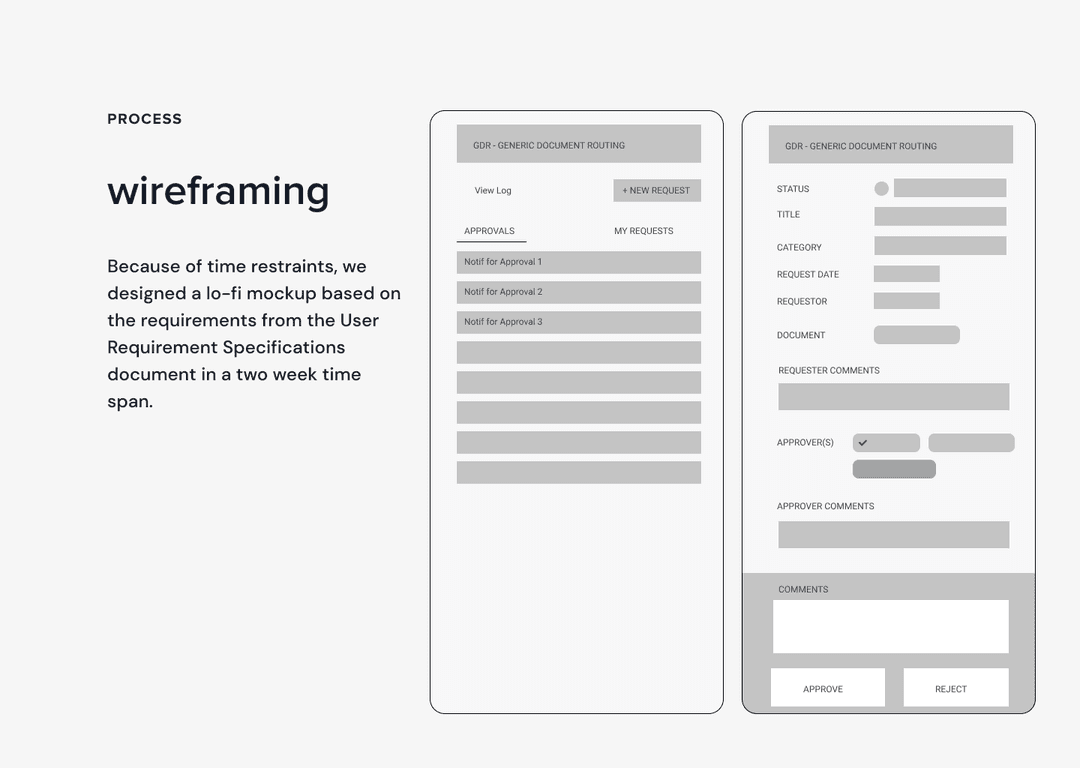
Because of time restraints, we designed a lo-fi mockup based on the requirements from the User Requirement Specifications document in a two week time span.
usability testing
Overview
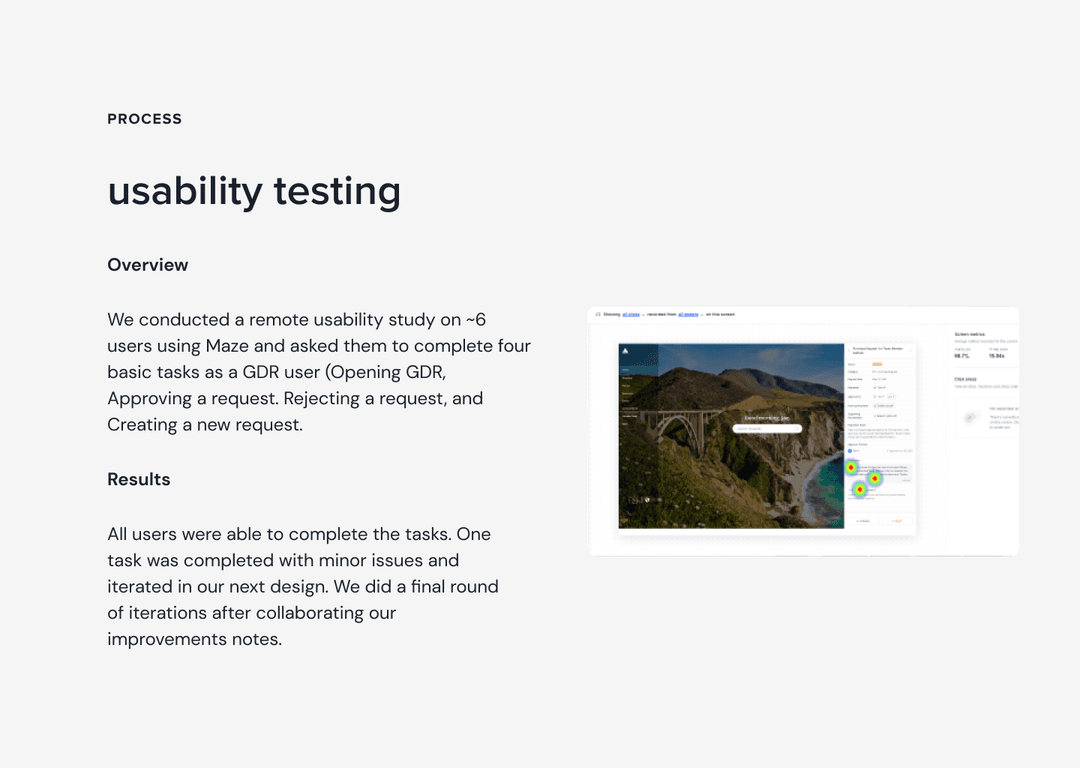
We conducted a remote usability study on ~6 users using Maze and asked them to complete four basic tasks as a GDR user: Opening GDR, Approving a request, Rejecting a request, and Creating a new request.
Results
All users were able to complete the tasks. One task was completed with minor issues and iterated in our next design. We did a final round of iterations after collaborating our improvements notes.
what worked well
- Users easily identified the dropdown for switching views
- Approvals were completed efficiently — users found it “straightforward” and “self-explanatory”
- Users easily located the “+ New” button to create requests
- Email copy upon approval submission was used frequently
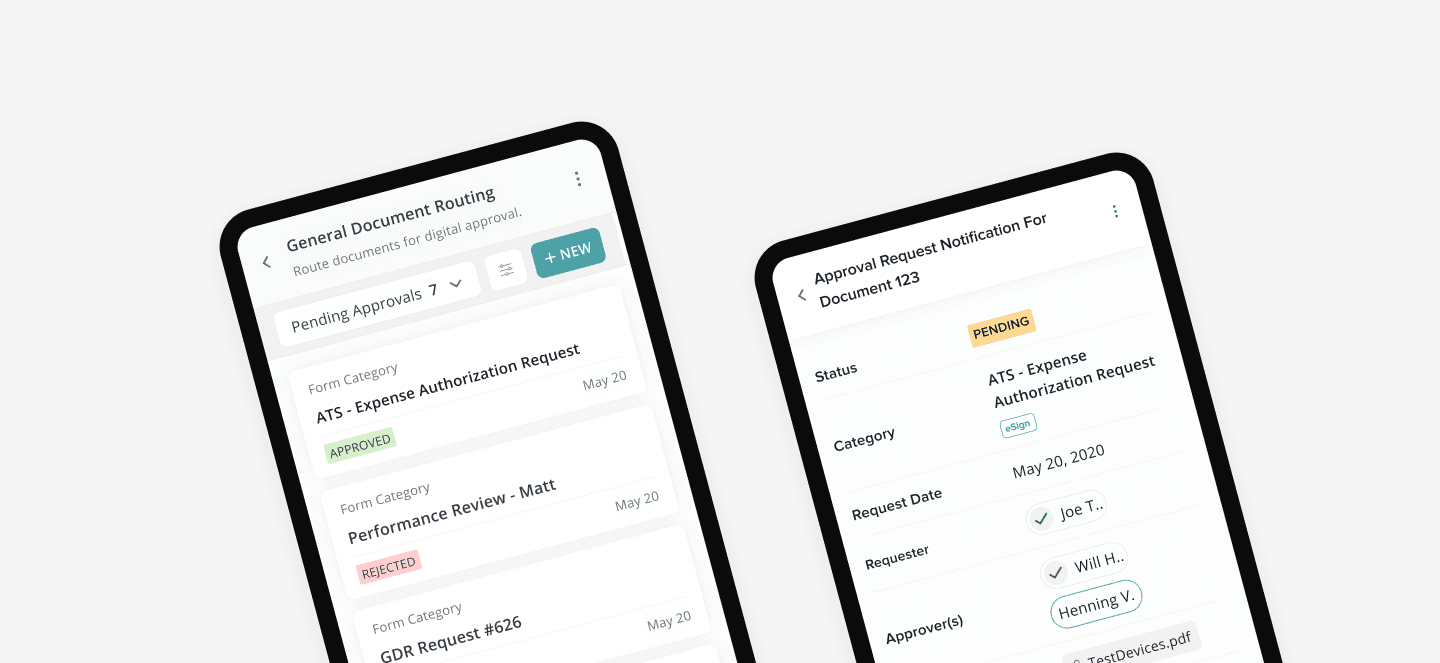
- Teal pill outline quickly identified whose turn it is in the approval chain
- Green checks helped identify who had already approved
- The process of adding documents was “easy”
what needed improvement
- Users missed adding comments and optional redlined document while rejecting
- Some users wanted to click reject right away
- Concerns about accidentally clicking Approve while rejecting due to proximity
- Users were unclear about ATS Purchase Requests without prior training
- Definitions of Routing and Supporting Documents unclear at first glance
- Users wouldn't know GDR resided under Pending Actions without prior knowledge
updating the design system
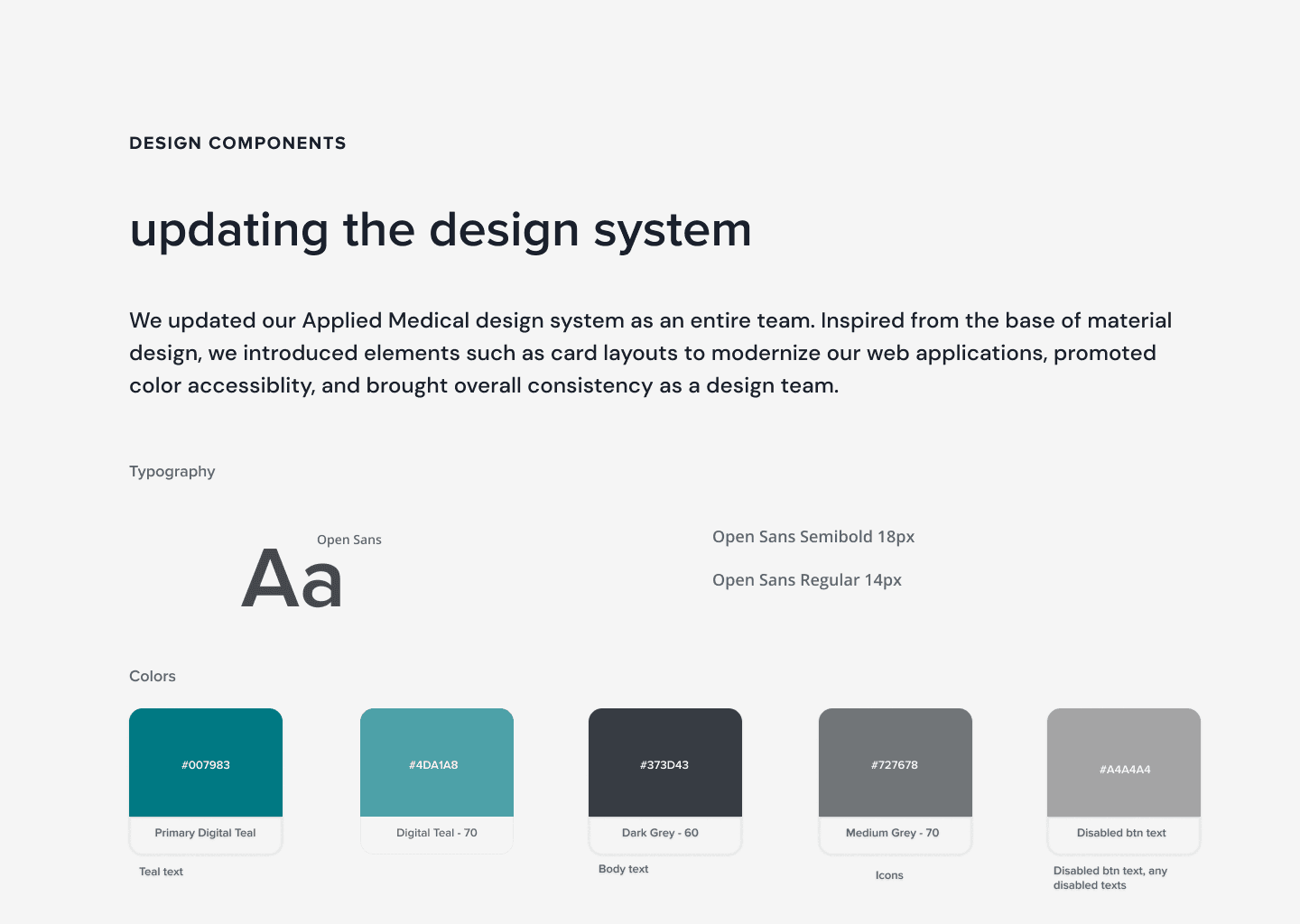
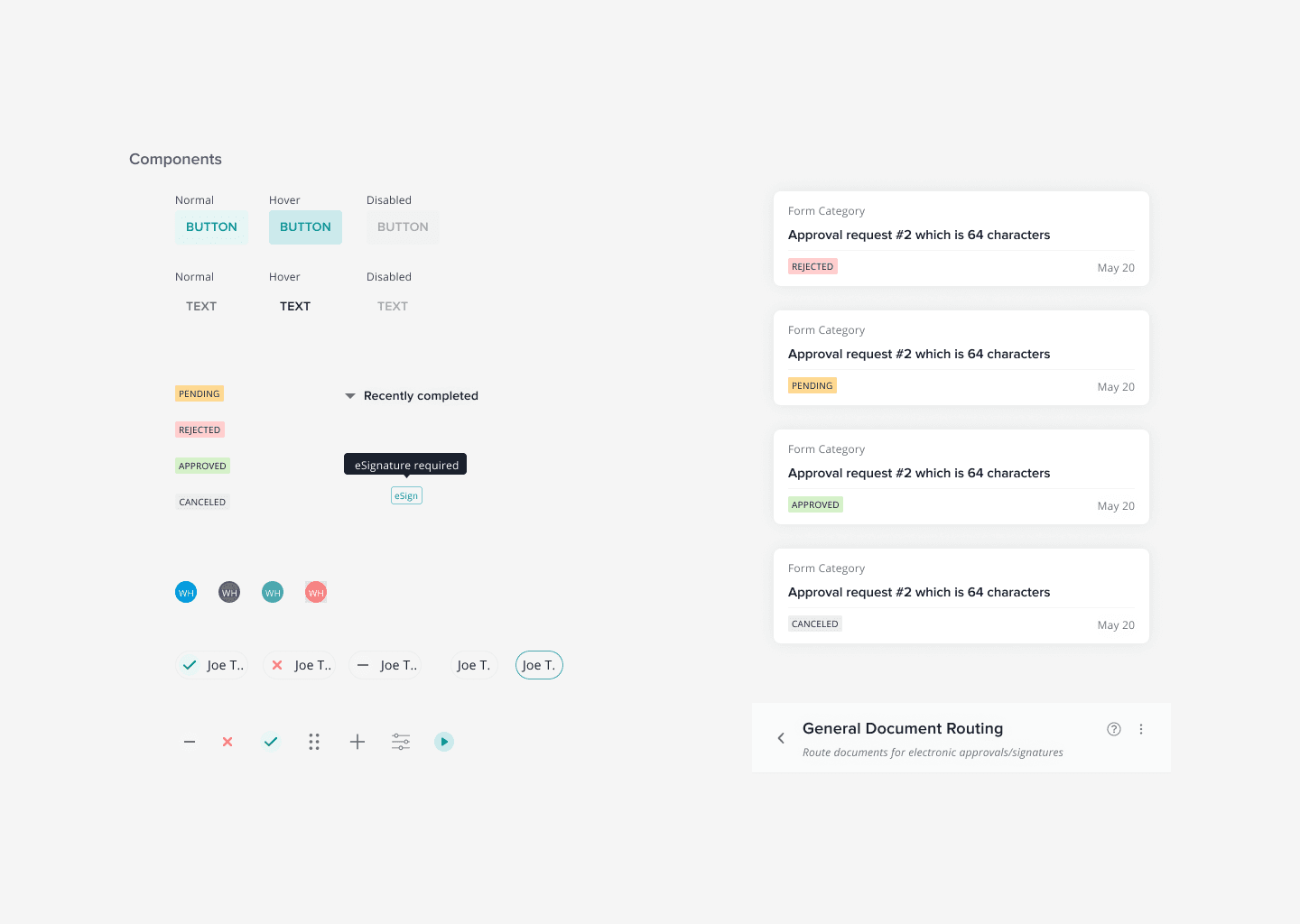
We updated the Applied Medical design system as an entire team. Inspired from the base of Material Design, we introduced card layouts to modernize our web applications, promoted color accessibility, and brought overall consistency as a design team.
Our Solutions
what we built
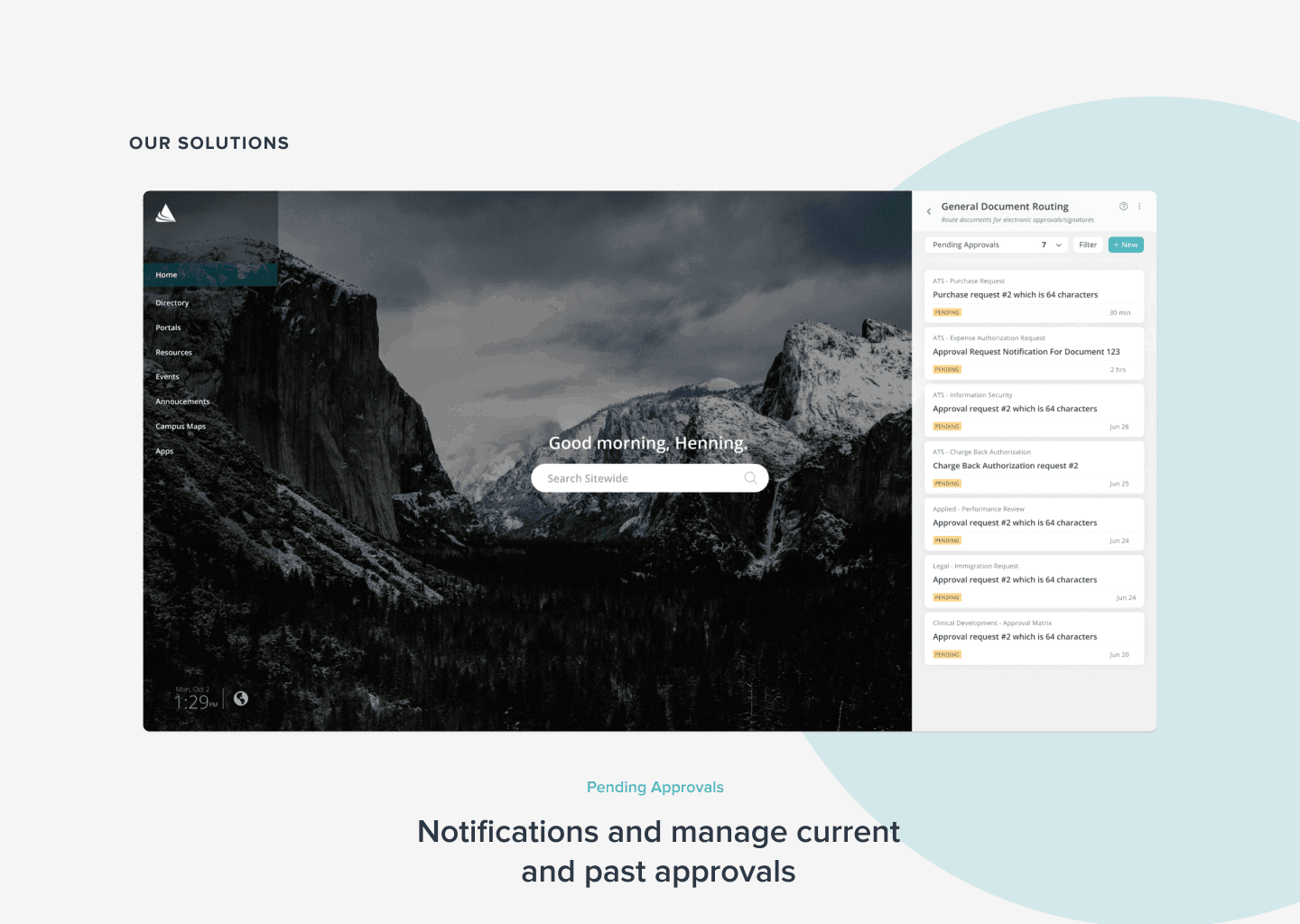
Pending Approvals
Notifications and manage current and past approvals
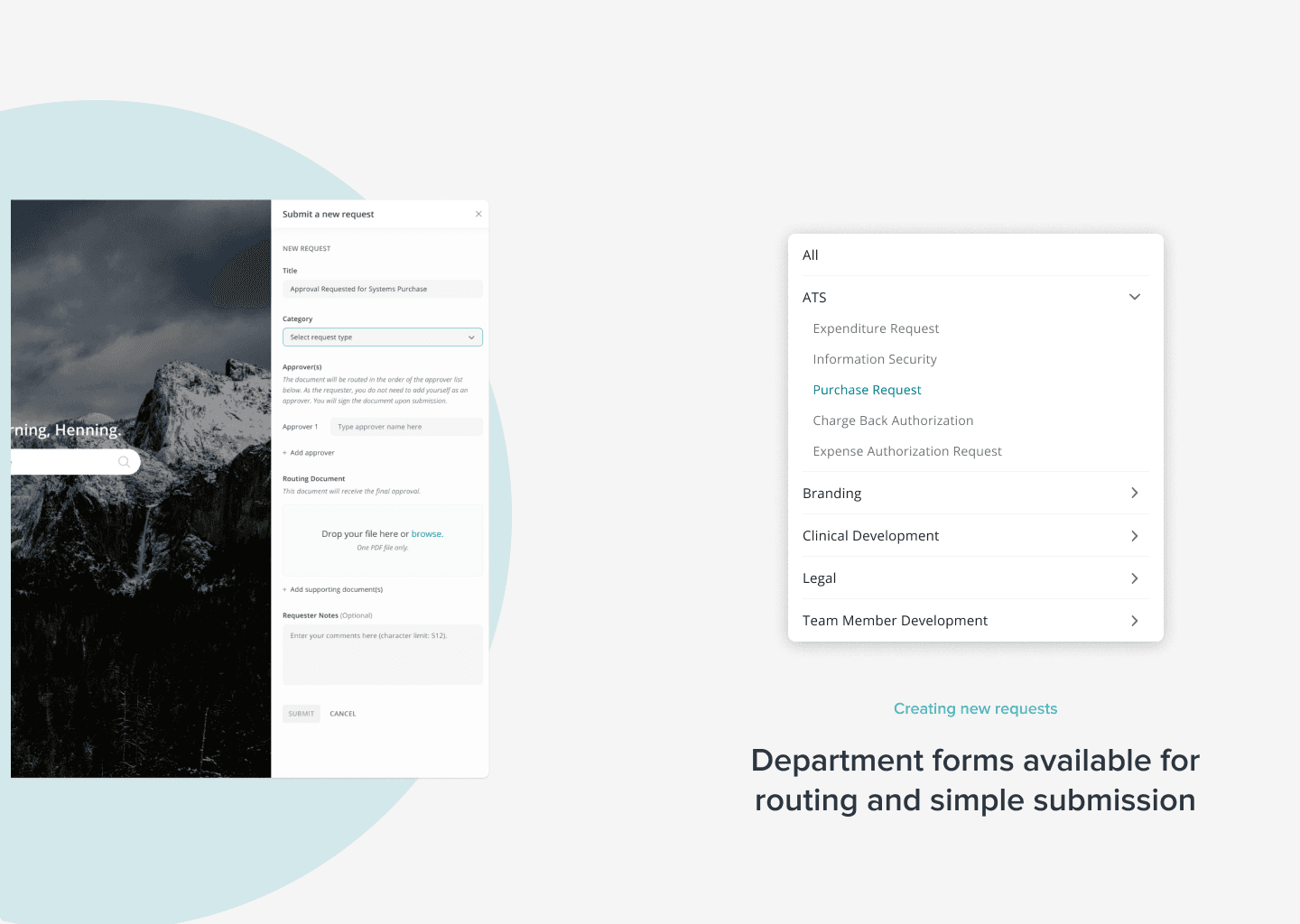
Creating new requests
Department forms available for routing and simple submission
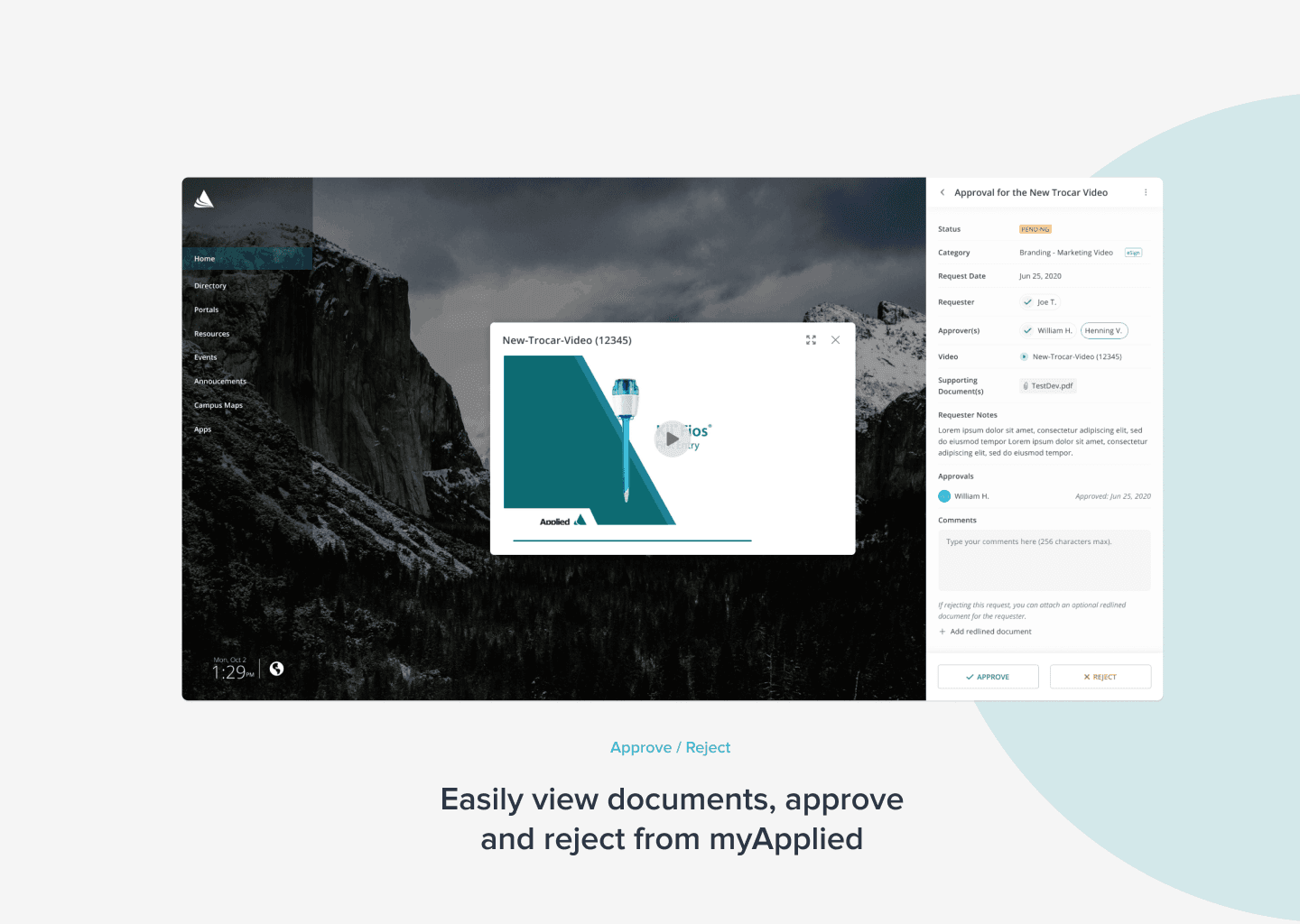
Approve / Reject
Easily view documents, approve and reject from myApplied
Takeaways
what did we learn?
development & bandwidth
Working with developers requires adjusting the designs based on restrictions on the backend. There were some design adjustments due to API structure that was initially developed.
phase I released q2 2020
Applied team members were able to use this tool to route documents remotely.
working with business analysts and project managers
Defining the MVP based on effort levels and the development team efforts that will be involved in each software change request phase.
phase II release slated for q2 2021
Requestors requested more quality of life features: authentication for eSignatures, edit/add approvers, censhare integration, and resubmission flow.